
Blogs
Key Takeaways:
- A DNS server translates domain names into IP addresses.
- The error “DNS server not responding” means your device can’t reach the DNS server.
Common causes include:
- Router issues
- Wrong DNS settings
- Corrupt cache
- VPN or antivirus interference
Quick fixes:
- Restart router
- Flush DNS cache
- Change DNS server
If you have ever seen the error “the DNS server is not responding”, you are not alone. This is a common issue that prevents your browser from accessing websites, even when your internet seems connected.
This guide explains what does dns server not responding means, its causes, and how to fix DNS server not responding quickly.
What is a DNS Server?
A DNS (Domain Name System) server acts like the Internet’s phonebook. It converts website names (like google.com) into IP addresses that computers understand.
Without DNS:
- You would need to remember numeric IP addresses
- Websites wouldn’t load properly
Learn more about: DNS Hierarchy
What Does “DNS Server Not Responding” Mean?
The error “DNS server not responding” means your browser cannot connect to the DNS server to retrieve a website’s IP address.
Your device can’t translate a website name into an IP address
Result: Websites won’t load

Common Causes of DNS Server Not Responding
Understanding the causes helps you apply the right DNS server repair method.
1. Network or Router Issues
- Faulty router or modem
- Weak or unstable connection
2. Incorrect DNS Settings
- Wrong DNS configuration
- ISP DNS server downtime
3. Corrupt DNS Cache
- Stored DNS records become outdated or corrupted
4. Antivirus or Firewall Blocking
Security software may block DNS requests
5. Browser or System Problems
- Outdated browser
- Misconfigured network adapter
6. VPN or Proxy Conflicts
VPN apps can interfere with DNS resolution
How to Fix DNS Server Not Responding?
Here are proven solutions for how to repair a DNS server not responding:
1. Restart Your Router and Device
- Turn off your router for 30 seconds
- Restart your PC or mobile
Often, the fastest fix
2. Switch to Another Browser
Sometimes the issue is browser-specific.
3. Clear DNS Cache
Fix corrupted cache:
Windows:
ipconfig /flushdns
This removes outdated DNS records, causing errors.
4. Change DNS Server
If your ISP DNS fails, switch to a private DNS server:
Popular options:
- Google DNS → 8.8.8.8 / 8.8.4.4
- Cloudflare DNS → 1.1.1.1 / 1.0.0.1
This is one of the best fixes for:
- The DNS server does not respond
- DNS server isn’t responding
5. Disable Antivirus or Firewall
- Turn off security tools
- Check if the issue resolves
6. Disable VPN or Proxy
Virtual private networks can interrupt DNS communication.
7. Update Network Drivers
Outdated drivers may cause DNS failures.
8. Run Network Troubleshooter
Windows users can:
Open Settings → Network → Troubleshoot
9. Reset Network Settings
If nothing works:
- Reset TCP/IP
- Reconfigure DNS settings
Best DNS Server for Gaming
Choosing the best DNS server for gaming improves speed and reduces lag:
- Cloudflare (1.1.1.1) – fastest response time
- Google DNS (8.8.8.8) – stable and reliable
- Quad9 (9.9.9.9) – security-focused
DNS Server Lookup and Switching
DNS Server Lookup
You can check your current DNS using:
- Command Prompt → ipconfig /all
How to Change DNS Server?
Windows:
- Open network settings
- Select your connection
- Edit IPv4 settings
- Enter the new DNS manually
Private DNS Server: Should You Use One?
A private DNS server offers:
- Better privacy
- Faster browsing
- More control over filtering
However:
- Requires setup knowledge
- May need maintenance
Frequently Asked Questions About DNS Server

How do I fix a DNS server not responding?
Start with:
- Restarting your router
- Clearing DNS cache
- Switching to Google or Cloudflare DNS
Why does my DNS server not respond?
It can happen due to:
- ISP DNS outage
- Network issues
- Incorrect settings
- Firewall or VPN interference
What does the DNS server not responding mean?
It means your browser cannot translate a website name into an IP address, so the site won’t load.
How do I fix DNS server issues permanently?
- Use a reliable DNS (Google/Cloudflare)
- Keep drivers updated
- Avoid unstable VPNs
What is the best DNS server for gaming?
Cloudflare (1.1.1.1) is widely considered the fastest, while Google DNS is very stable.
Can I repair DNS server problems myself?
Yes. Most DNS server repair steps are simple and don’t require technical expertise.
How can I change the DNS server easily?
Go to network settings → edit IPv4 → enter a new DNS address → save.

Featured Post
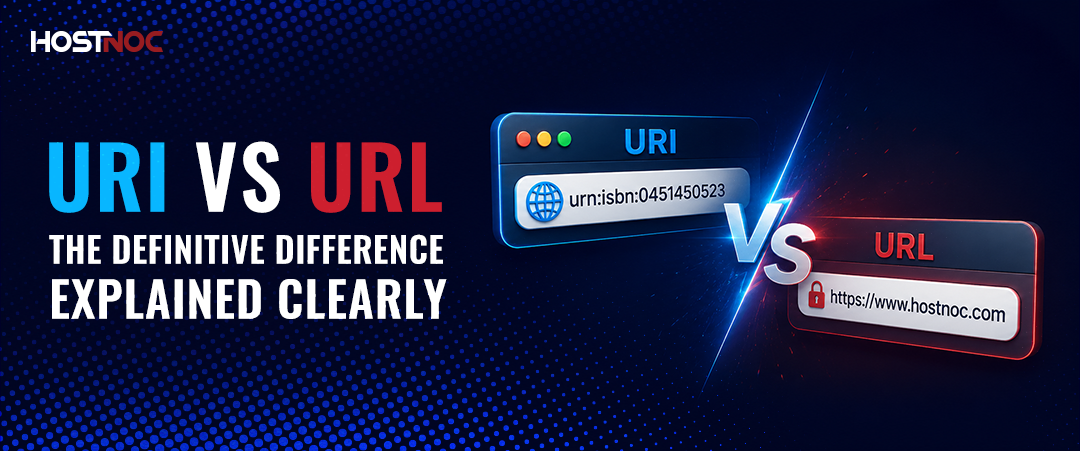
URI vs URL: The Definitive Difference Explained Clearly
If you have ever worked with websites, APIs, web development or networking,...

saad ullah
June 18, 2026
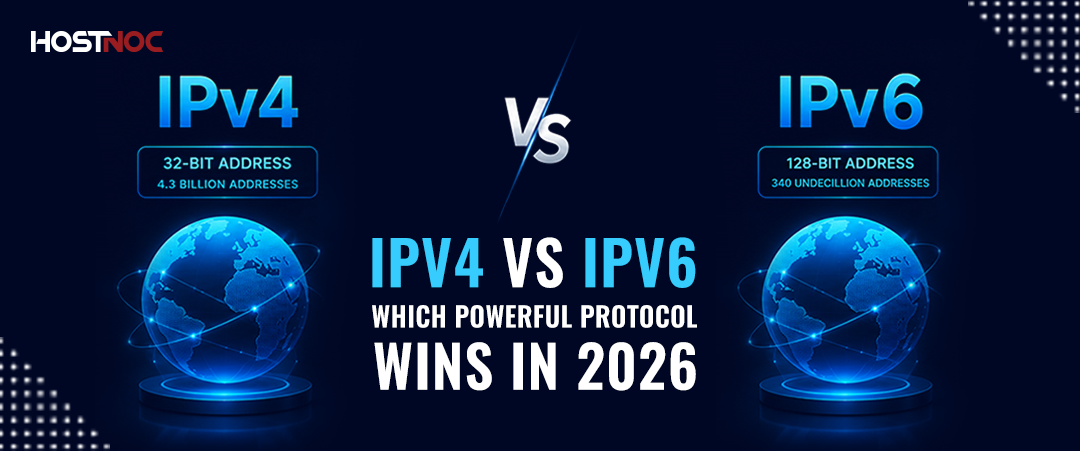
IPv4 vs IPv6: Which Powerful Protocol Wins in 2026?
Key Takeaways: IPv4 vs IPv6 represents the evolution of internet addressing from...
saad ullah
June 16, 2026
GPU vs CPU: Which Powerful Choice Wins in 2026?
When building a computer for gaming, video editing, AI workloads or general...
saad ullah
June 12, 2026





