Blogs

Does Borderlands 3 Have Dedicated Servers?
July 8, 2026
Dedicated Server for Agencies: A Complete Guide
July 13, 2026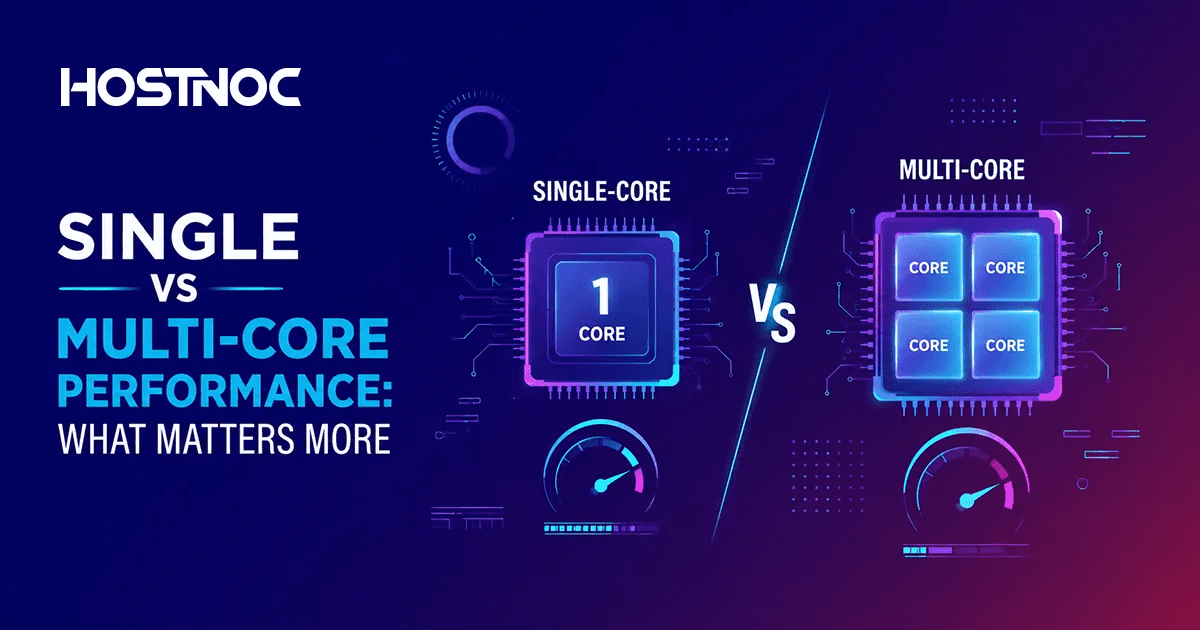
Key Takeaways
- Single-core performance determines how fast a processor handles one task at a time, critical for latency-sensitive and lightly threaded apps.
- Multi-core performance measures how efficiently a CPU handles multiple tasks simultaneously essential for parallel workloads.
- Best choice depends on workload:
- Gaming, browsing → favor single-core speed
- Video editing, rendering, servers → favor multi-core power
- Modern CPUs balance both, but software optimization ultimately decides which matters more.
You’re buying a CPU or optimizing performance, but benchmarks show conflicting results: one processor dominates in single-core, another in multi-core.
This creates confusion. Why does a CPU with fewer cores sometimes outperform one with more? Why do some apps feel faster despite lower “overall” scores?
Understanding how workloads interact with CPU architecture, specifically, single-core vs multi-core performance, eliminates this confusion and helps you choose correctly.
Single vs Multi-Core Performance
What is Single-Core Performance?
Single-core performance refers to how fast one CPU core executes instructions.
- Executes tasks sequentially (one thread at a time)
- Depends on:
- Clock speed (GHz)
- IPC (Instructions Per Cycle)
- Cache efficiency
A single-core processor runs one instruction stream at a time, which limits parallelism but reduces overhead.
Best for:
- Gaming (especially older engines)
- Web browsing
- Office apps
- Simple coding tasks
Limitation:
- Cannot scale well for heavy workloads
- Causes bottlenecks in multitasking
What is Multi-Core Performance?
Multi-core performance measures how well a CPU uses multiple cores simultaneously.
- Each core can execute independent threads
- Enables parallel processing
A multi-core processor runs multiple instruction streams at once, increasing throughput for optimized workloads.
Best for:
- Video editing & rendering
- 3D modeling
- Data analysis
- Virtualization & servers
Limitation:
- Requires software support (multithreading)
- Not all applications scale efficiently
Single vs Multi-Core Performance: Core Differences
| Feature | Single-Core | Multi-Core |
| Execution | One task at a time | Multiple tasks simultaneously |
| Speed Type | Low latency | High throughput |
| Best For | Sequential workloads | Parallel workloads |
| Efficiency | Simpler, lower overhead | Better utilization of resources |
| Modern Relevance | Still critical | Dominant in modern computing |
Single vs Multi-Core Performance: Workload-Based Comparison
Gaming
- Relies heavily on single-core performance
- Modern games are improving multi-core usage, but the main thread speed still matters
Content Creation
- Video editing, rendering → multi-core wins
- Tasks are easily parallelized
Web & Office Tasks
- Mostly single-threaded bursts
- Benefit from high single-core speed
Servers and Cloud Computing
- Handle many users/tasks → multi-core dominates
- Parallel execution improves scalability
Multi-core processors excel in ~90% of modern workloads, especially in multitasking environments.
Single vs Multi-Core Performance: Why Do Both Matter?
Modern CPUs are designed to balance both:
- Increasing cores improves parallel throughput
- Improving IPC and clock speeds enhances single-thread responsiveness
However, scaling single-core performance has physical limits, which is why the industry shifted to multi-core architectures.
Single vs Multi-Core Performance: Key Factors That Influence Performance
1. Software Optimization
- Multi-core benefits only if the software supports multithreading
2. Clock Speed vs Core Count
- Higher GHz → better single-core
- More cores → better multi-core
3. Thermal & Power Limits
- More cores = more heat → potential throttling
4. Task Type
- Sequential → single-core
- Parallel → multi-core
Conclusion
- Single-core = speed of one task
- Multi-core = ability to handle many tasks
The real winner isn’t one over the other, it’s the right balance for your workload.
Frequently Asked Questions About Single vs Multi-Core Performance

Is a higher core count always better?
No. If your workload isn’t parallelized, extra cores won’t improve performance.
Why do some CPUs with fewer cores perform better?
Because they may have higher single-core performance (IPC + clock speed).
Do modern applications use multiple cores?
Yes, increasingly, but not all workloads scale perfectly.
Is multi-core the future?
Yes. Due to physical limits of clock speeds, CPU design now focuses on core scaling and efficiency.
What’s the ideal balance?
For most users:
6–8 cores with strong single-core performance is the sweet spot.

Featured Post

Computex 2026: Top Product Announcements
At Computex 2026 in Taipei, the technology industry highlighted a major shift toward AI-native computing, showing that artificial intelligence is becoming a core part of personal […]

Sarmad Hasan
June 8, 2026